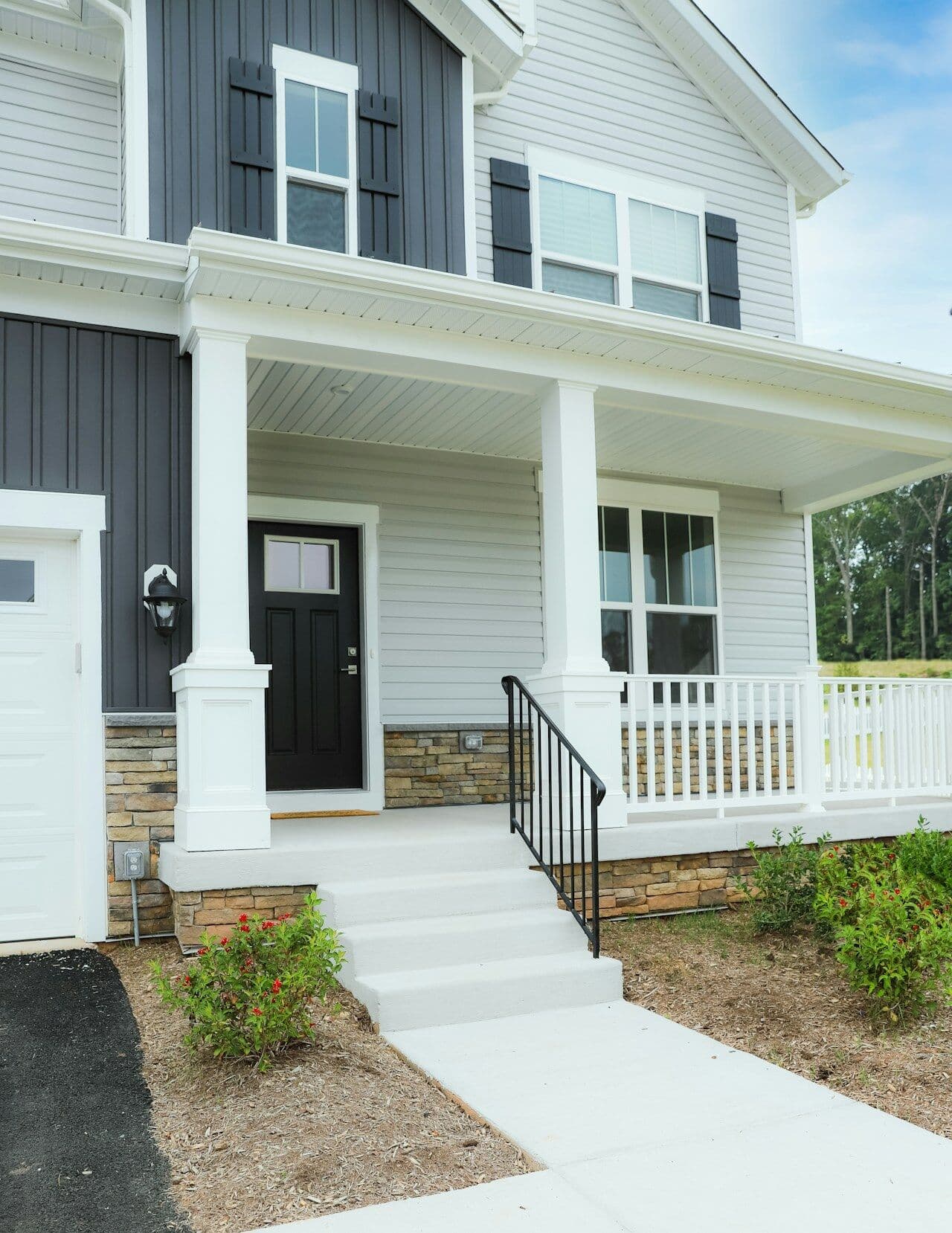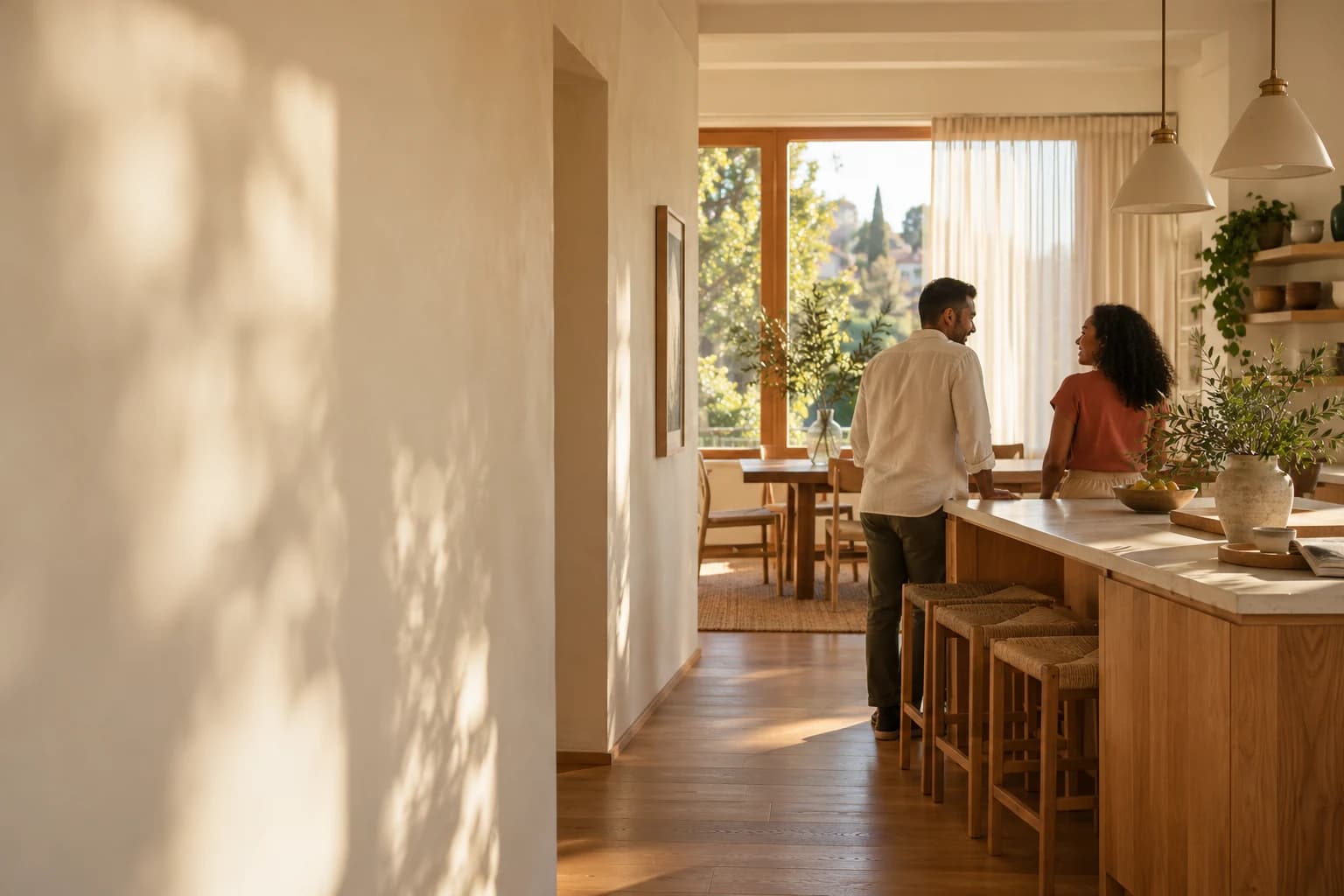
Don’t just tour a home. Remember it.
Scan the sign at an open house and a private folder opens for that home. No account, and nobody asks your name.
Marble or quartz?Saturday at 1204 Cedar Lane
- Maybe
Great light. Tiny closets.Your line on the way out
Cedar, maybe. Harbor, yes.Your homes, a week later
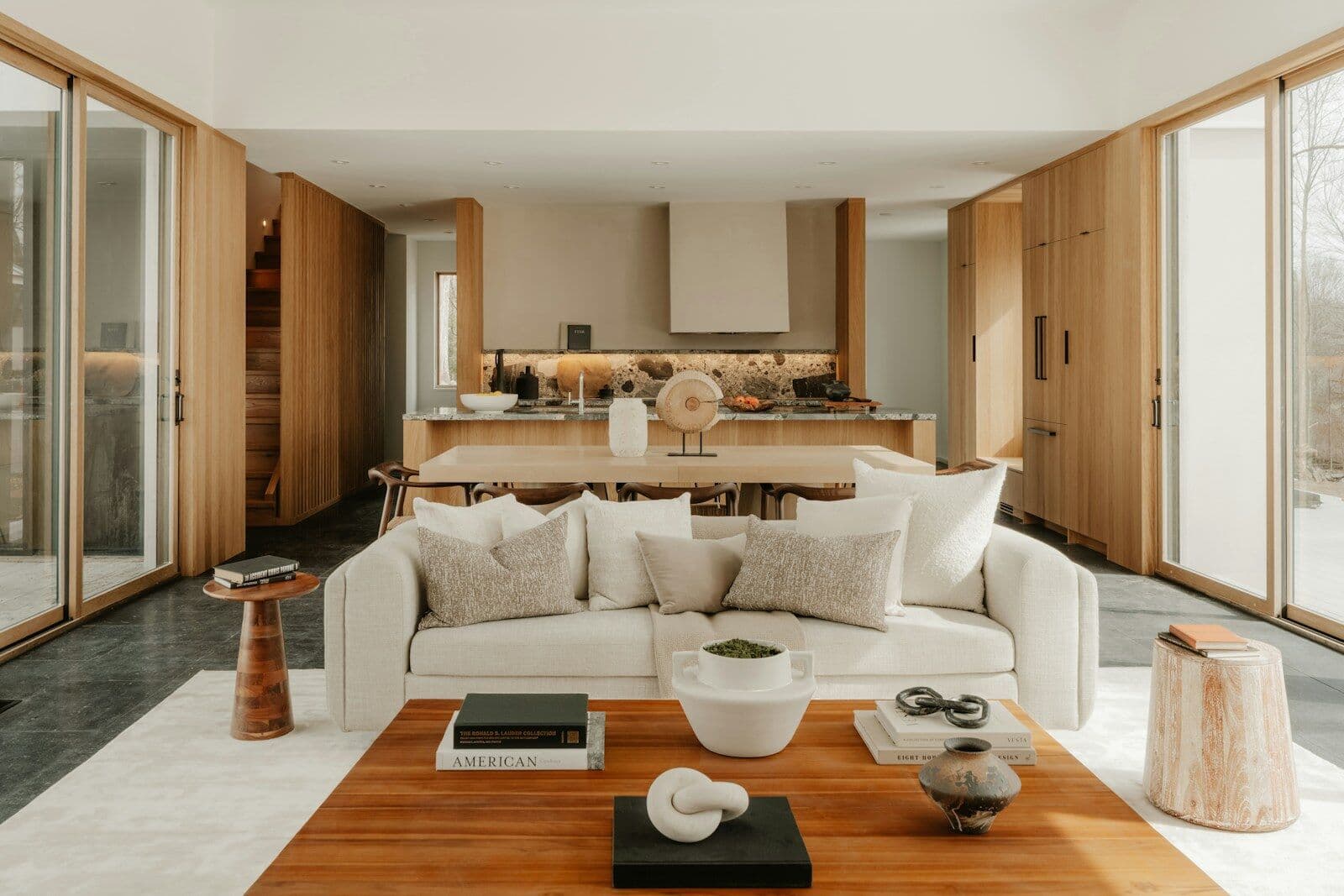
Sample visit, illustrative.
Hosting an open house?
Plan the event, put one sign at the door and watch the scans come in. Visitors stay anonymous unless they send you their details.
See HapSTR for realtorsScan. Capture. Keep. Decide.
An open house gives you one walk through a home and a flyer on the way out. HapSTR gives you a record of what you saw.
Real screens, sample home.
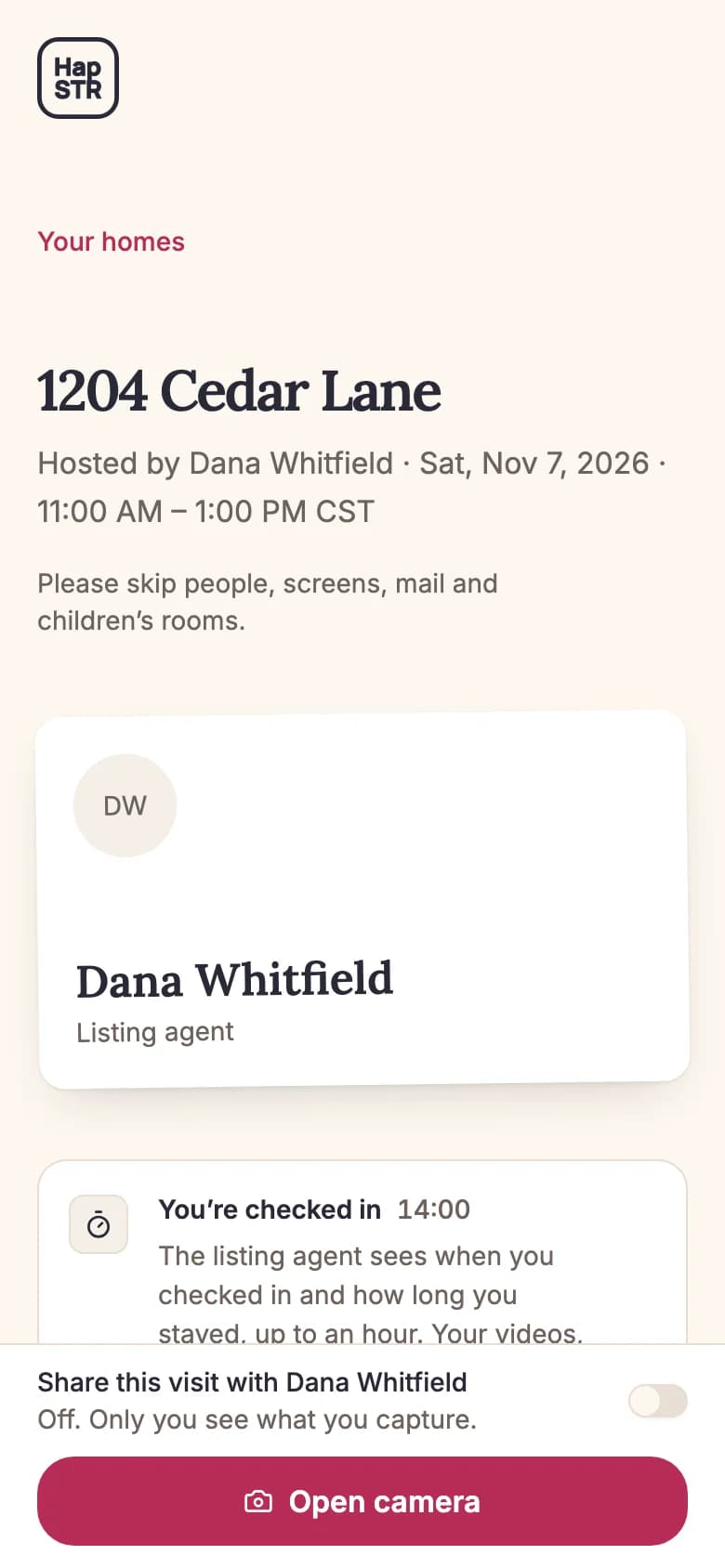
Scan the sign.
Your folder opens. No app, no account, no name.
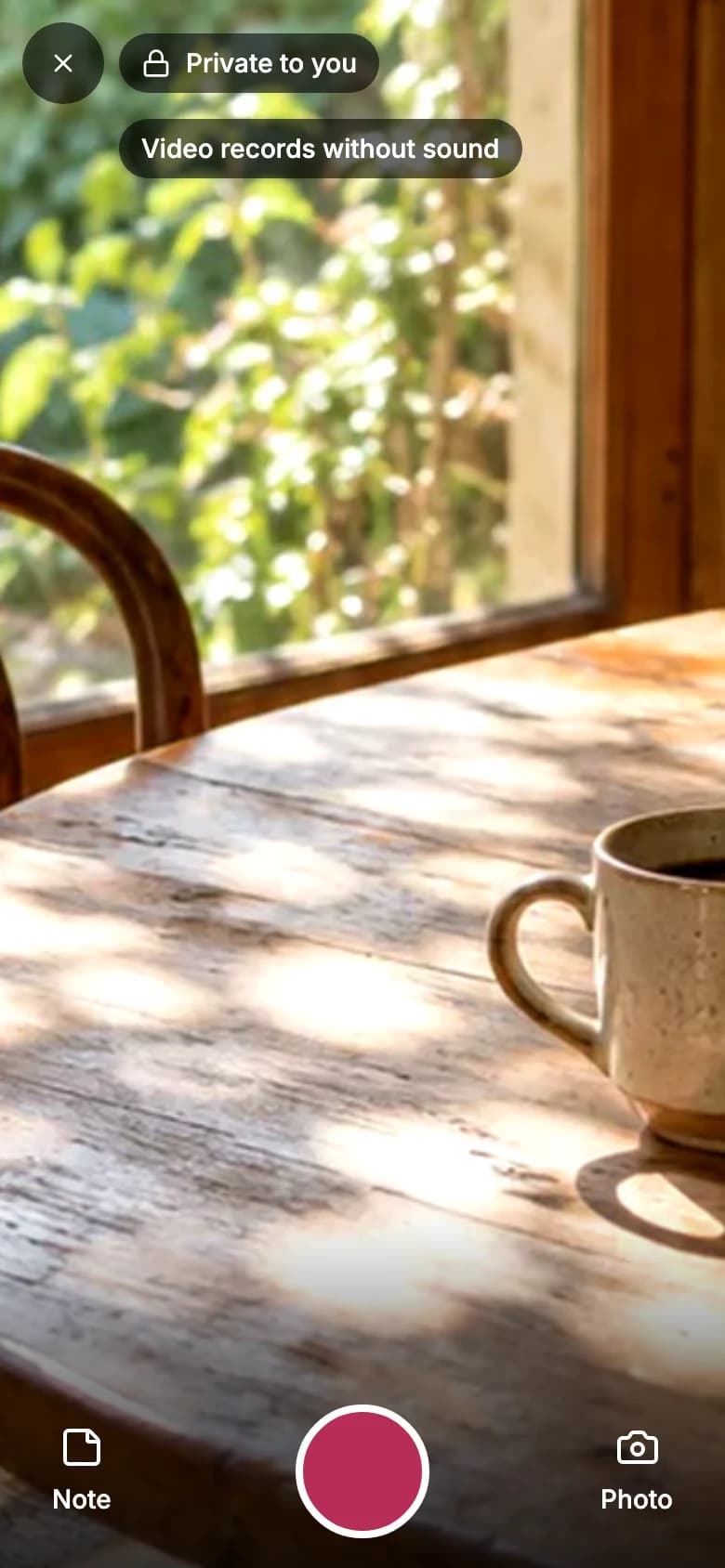
Capture what you’d forget.
Photos, silent video and notes, filed under that address.
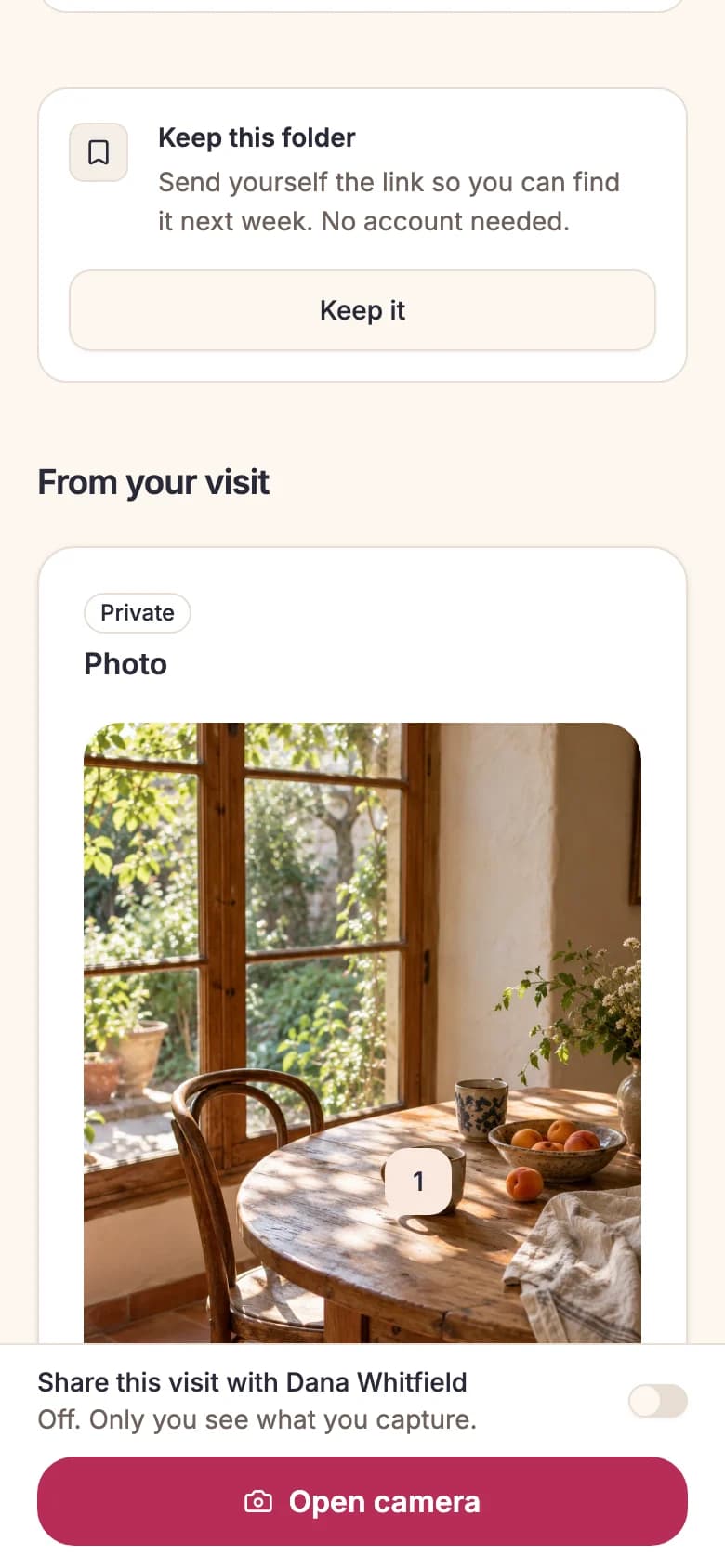
Keep the folder.
Send yourself the link. Your homes keeps it on that phone.
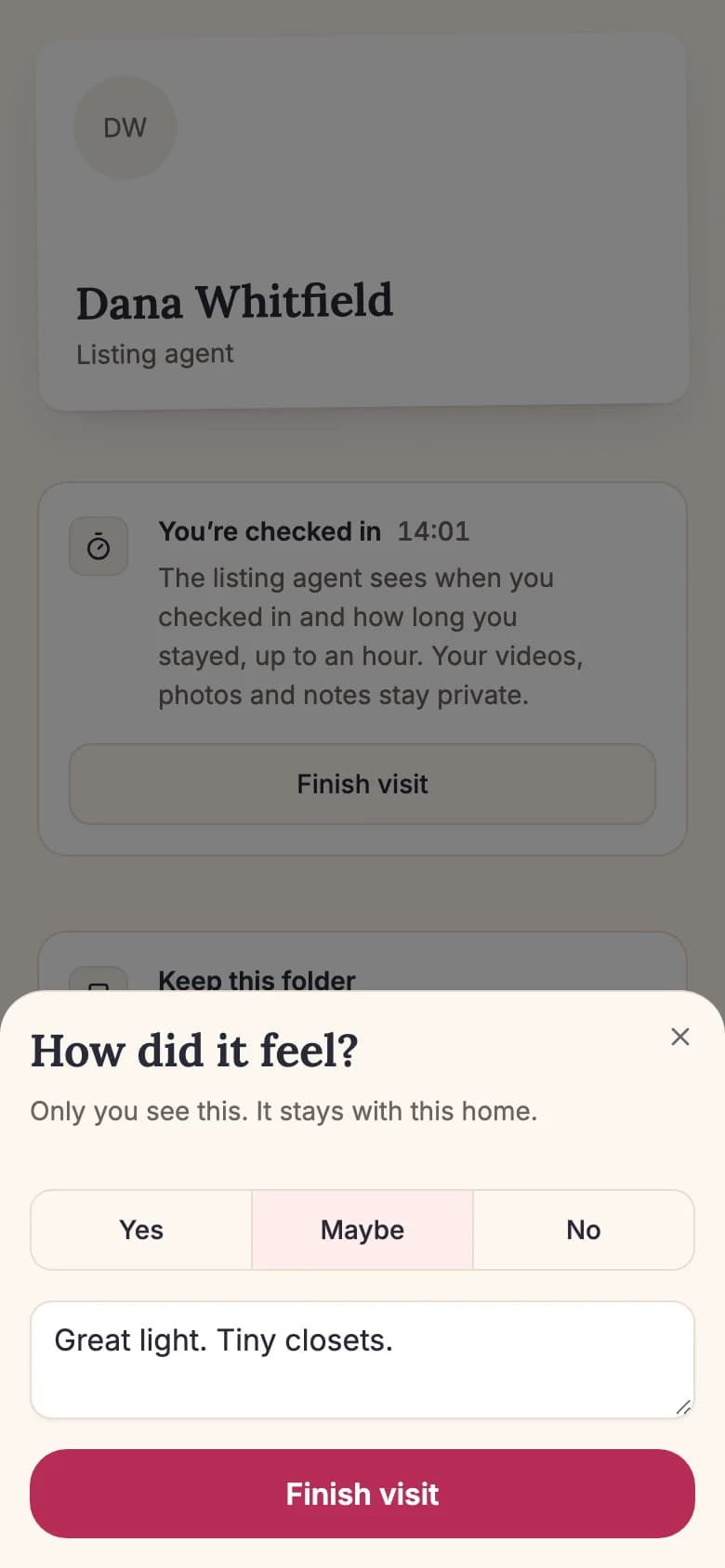
Decide while it’s fresh.
Yes, maybe or no, and one line. Your verdict stays with you.
Private by default. Shared on purpose.
Every photo, video and note shows who can see it. Nothing you capture reaches the host unless you send it, and you can delete a folder for good.
Only you
Your folder: photos, silent video, notes and your verdict. Nobody asks your name.
People you choose
Anyone you send the folder link can open that folder.
The host
They see when you came and how long you stayed. Anything more is your choice, and HapSTR tells you first that they work for the seller.
Hosting an open house? Put HapSTR at the door.
Plan the event, print one sign with a QR code and a short link, and see scans and details arrive live. Afterward you get private notes on each person, a seller update draft and a CSV of everyone who sent their details.
See HapSTR for realtorsOpen house
1204 Cedar Lane
Saturday · 11:00 AM to 1:00 PM
A few things you might be wondering.
A big decision deserves clear answers.
Where do I find a HapSTR sign?
At open houses hosted by agents who use HapSTR, usually at the door. If a home doesn’t have one, tell your agent about HapSTR.
How do I get back to a folder?
On the phone you scanned with, Your homes lists your folders for 400 days, with no account. To reach one anywhere else, send yourself the link with your phone’s share sheet. Anyone with the link can open that folder, so keep it somewhere private.
What does the host see?
When you checked in and how long you stayed, up to an hour, without your name. Your photos, videos, notes and verdict stay private. If you turn on sharing, they see what you capture from then on. HapSTR tells you first that the host works for the seller, and you can turn it off.
Why is video silent?
A phone in someone else’s home would pick up everyone in the room. Video in HapSTR is always silent, so you keep the picture and leave the conversations out.
Can I take photos at every open house?
The seller decides. Your folder shows their rule as soon as it opens: photos are fine, ask the host first, or no photos or video. Your notes save either way.